How to Register for Amazon Associates
Ready to start earning commissions with Amazon affiliate links? This share walks you through registering for Amazon Associates from zero. Follow the steps in order and don't rush, because some fields need accurate data.
Getting these details right matters from the start: payment and verification later depend on the information you enter. After you submit, there is still tax info and tracking to set up, so treat this as the foundation.
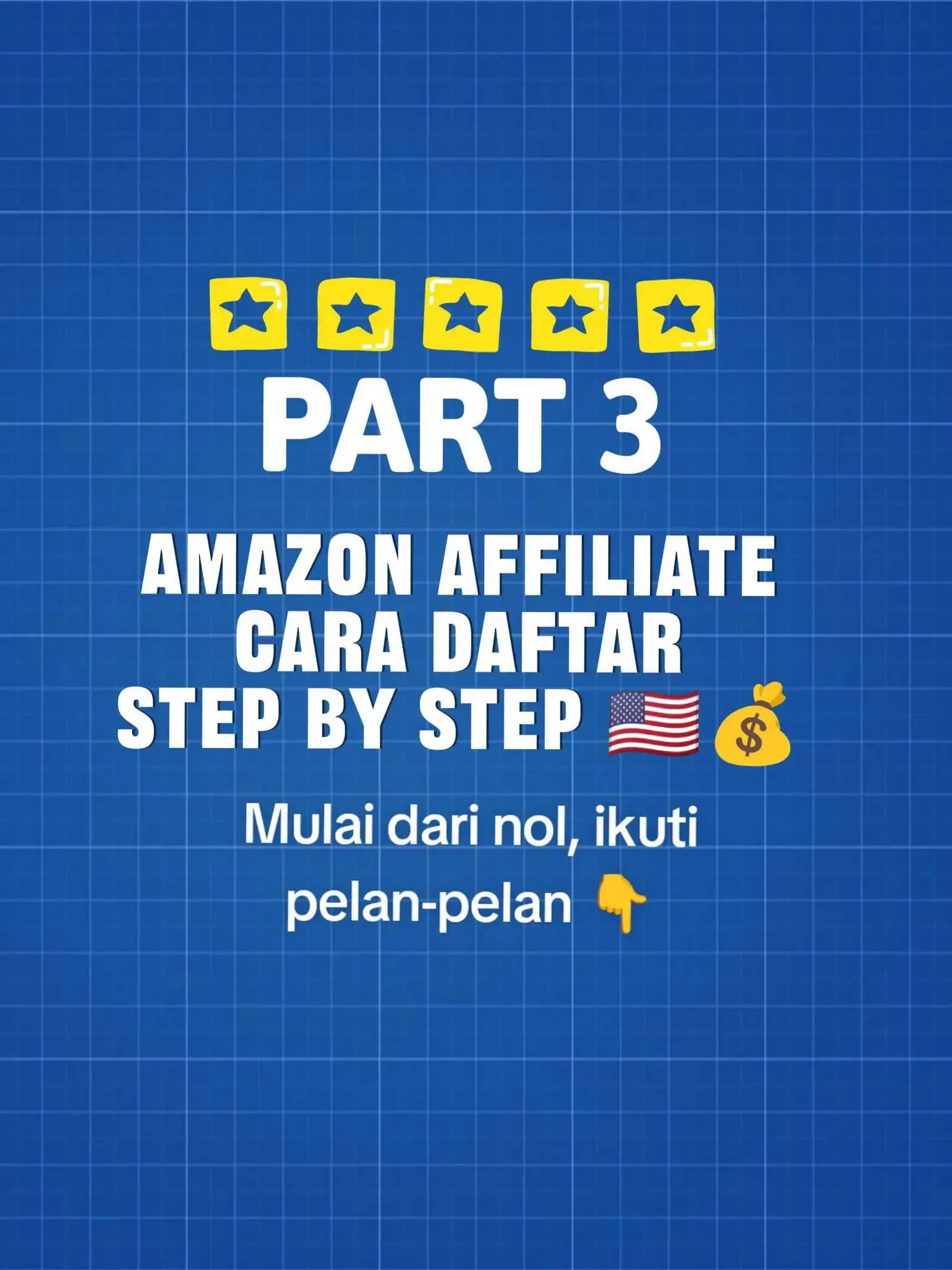
Tutorial
- Open the official Amazon Associates page for the marketplace you want to join. Make sure it is the official site, not a random link from someone else.
- Sign in with your Amazon account, or create one first if you don't have it. Then find the option to start as an Associate.
- Fill in your account information. Enter your real name, address, phone, and other contact details — using someone else's data can hurt payment and verification.
- Enter the platforms you will use to promote products. Amazon needs to know where you will post links: website, Threads, Pinterest, Facebook, or YouTube.
- Explain how you get traffic. Answer honestly about your visitors and promotion plans; it is fine to say you are a beginner.
- Create a Tracking ID / Store ID. Pick a name you will recognize and that matches your brand, since it helps you track which sources bring traffic.
- Submit your registration. After your account is active, there are still important parts: payment, tax info, tracking, link creation, and driving traffic.
Wrapping Up
You now have the full registration flow behind you. Before expecting commissions, build a plan for where your traffic will come from — an account without content or visitors does not grow. Next, learn how to fill in payment and tax information correctly, because that is what actually gets you paid.
Does this still work?
Nobody's checked yet
Sign in to tell everyone how it went.
Continue with GoogleBe the first — one tap saves the next person an hour.
It takes 3 reports in 30 days to set the status.
More shares you might like
 AIHow to Get Free $200 Funds on Digital Ocean1y797 views
 AIHow to Claim 100M Free Tokens on CodeCraft API2d166 views
 Get Hidely VPN Premium Free for 1 Year1mo274 views
 NewsVideo2X Brings AI-Powered 4K Video Upscaling to Your Local Machine2w56 views
 AIRoku Launches a 24/7 AI-Generated TV Channel1mo72 views
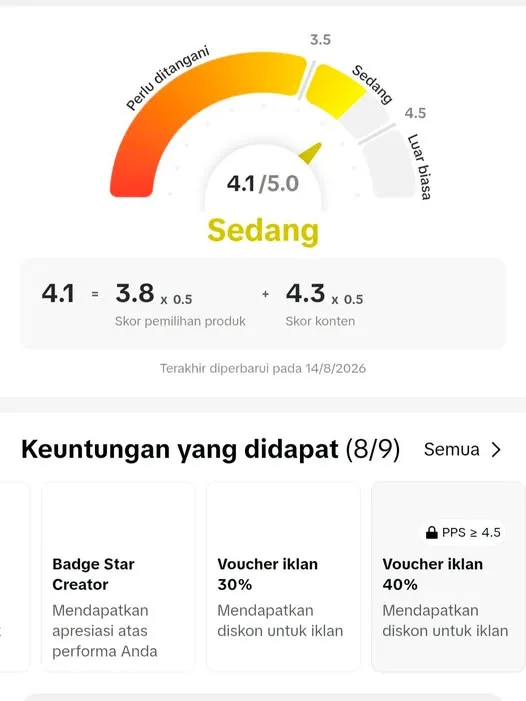 NewsNew Affiliate Score Rules Start August 27, 20264w68 views
Comments
Join the conversation — sign in to comment.
No comments yet — start the conversation!