How to Make AI Videos With VEO 3.1 and Omni
Want to create AI videos with Google's VEO 3.1 or Omni models for free? Google Vids does it with just your Gmail account.
You can create and edit videos, plus add motion control, without leaving your browser.
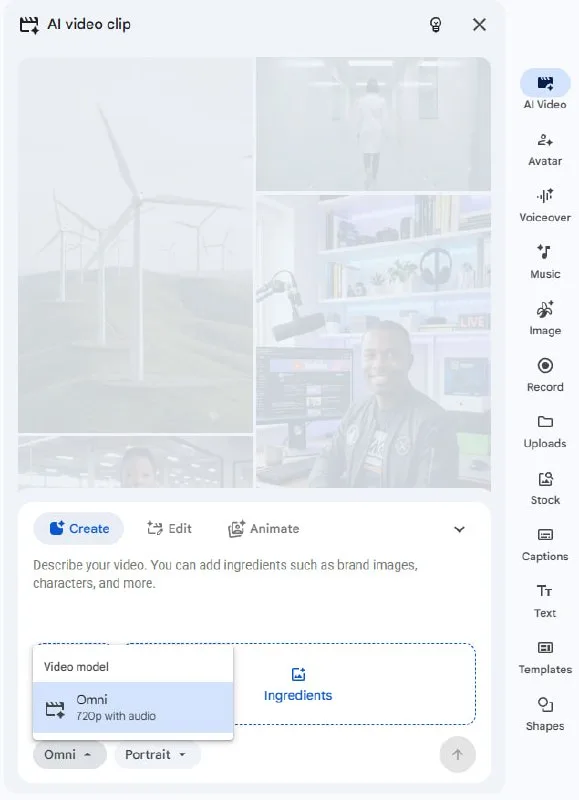
Tutorial
- Sign in to your Gmail account.
- Open Google Vids at https://docs.google.com/videos/.
- Select AI Video from the menu.
- Click Create and choose the VEO 3.1 or Omni model.
- Enter your prompt and hit Generate.
Wrapping Up
That's it — you're now generating AI video with Google's latest models. Use the same space to edit clips and add motion control. Have fun with your prompts.
Does this still work?
Nobody's checked yet
Sign in to tell everyone how it went.
Continue with GoogleBe the first — one tap saves the next person an hour.
It takes 3 reports in 30 days to set the status.
More shares you might like
 AIHow to Get Free $200 Funds on Digital Ocean1y814 views
 AIHow to Claim 100M Free Tokens on CodeCraft API6d426 views
 NewsFree Domain Available at nic.eu.org1mo95 views
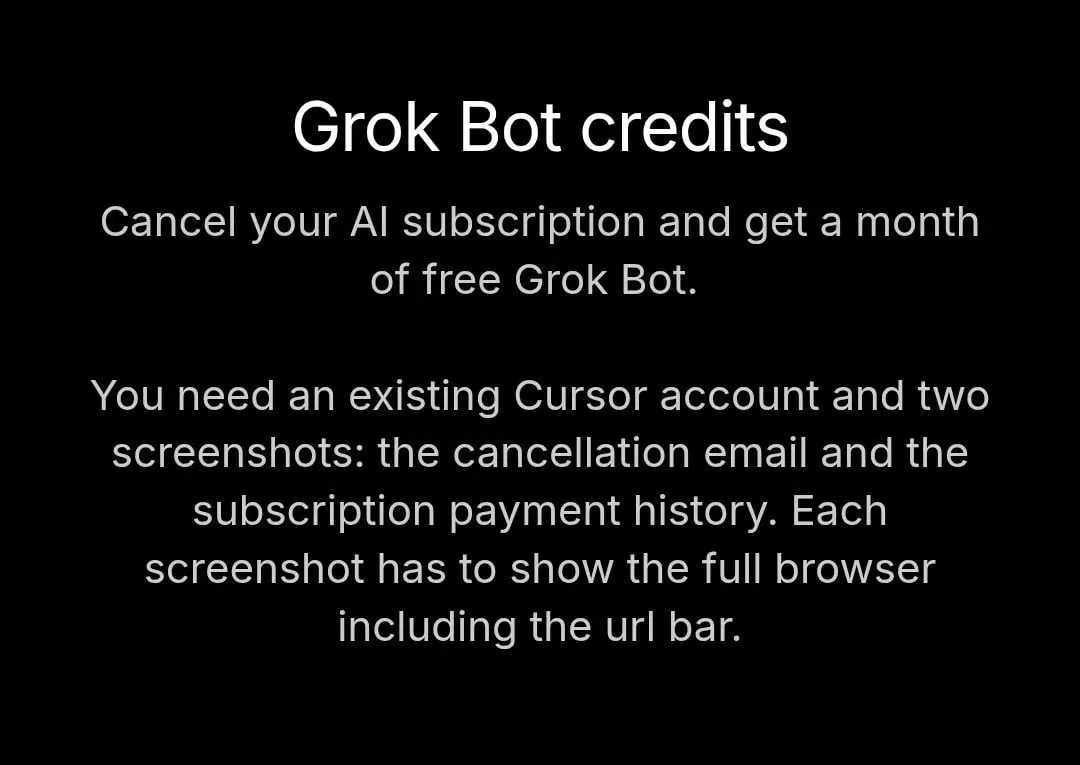 ToolsHow to Get 1 Month of Cursor Pro and Grok3w78 views
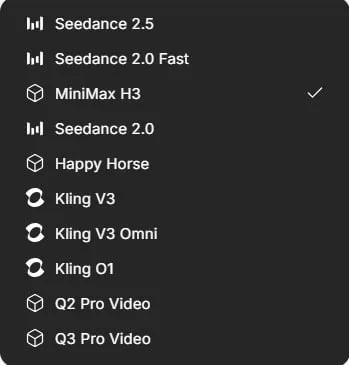 ToolsHow to Get 1,000 Free AI Video Credits on Miora.design3w101 views
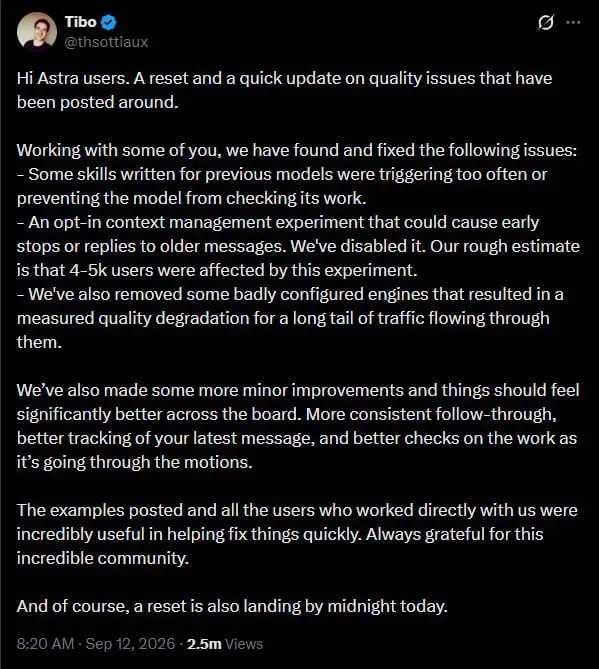 AIAstra Reset Brings Fixes for Context and Skill Bugs5d70 views
Comments
Join the conversation — sign in to comment.
No comments yet — start the conversation!