How to Make AI Plant Growth Videos With Two Tools
Want to make a plant-growth video with AI but think you need a whole stack of tools? Two are enough: ChatGPT and Google Flow.
You get a full scene-by-scene workflow, from image prompts to a finished video using Nano Banana and Veo 3.1.
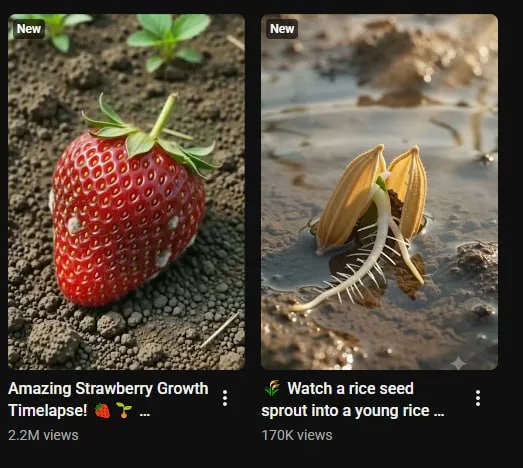
Tutorial
- Open ChatGPT and Google Flow side by side.
- Paste the Prompt Master prompt for AI plant growth videos into ChatGPT.
- In Google Flow, create a New Project.
- Select Nano Banana. Copy the SCENE 1 and SCENE 2 image prompts.
- Select Veo 3.1 and Img to Video. Copy the scene video prompts, matching each to its image.
Wrapping Up
You now have a complete pipeline for AI plant growth videos. Upload the result anywhere you like; whether it earns money depends on each platform's own rules. Tweak the prompts to make the growth feel natural.
Does this still work?
Nobody's checked yet
Sign in to tell everyone how it went.
Continue with GoogleBe the first — one tap saves the next person an hour.
It takes 3 reports in 30 days to set the status.
More shares you might like
 AIHow to Get Free $200 Funds on Digital Ocean1y815 views
 AIHow to Claim 100M Free Tokens on CodeCraft API1w434 views
 AIHow to Get a Free AI Agent and 100M Tokens2d40 views
 ToolsHow to Get 1 Month of Cursor Pro and Grok3w79 views
 AIHow to Claim GitLab Ultimate Free for 30 Days3d37 views
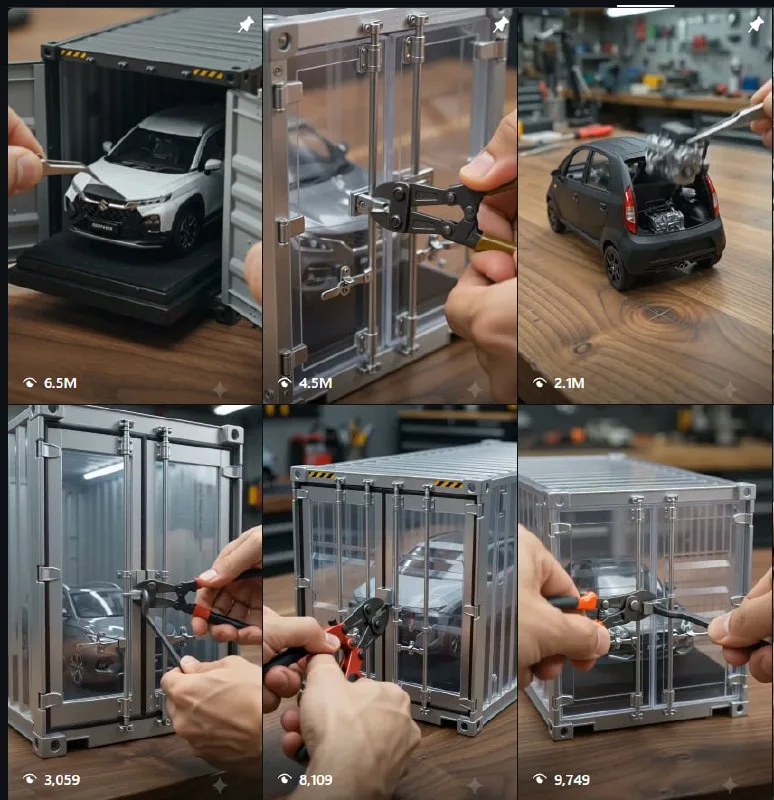 AIHow to Use Google Flow for AI Car Unboxing Videos1mo77 views
Comments
Join the conversation — sign in to comment.
No comments yet — start the conversation!