How to Get Hermes One Desktop App
Setting up autonomous agents shouldn't mean living in the terminal. Hermes One is a native desktop app that gives you a clean GUI to install, configure, and chat with Hermes Agent, your self-improving AI assistant. It handles setup, config management, and interactive chat in one place.
The app is completely free and open source, and it packs a self-improving learning loop, dynamic tool calling for APIs and workflows, and multi-platform messaging. The project lives on GitHub, ready for you to find and save.
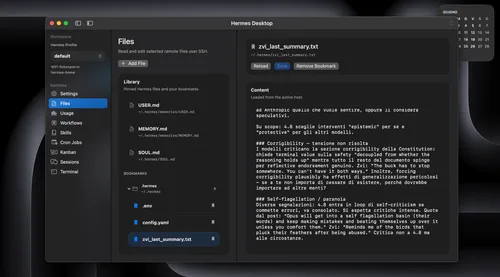
Tutorial
- Open the Hermes One GitHub repository. This is the GitHub page where the project is hosted.
- Star and bookmark the repository. That keeps it saved in your GitHub account and supports the open-source project.
Wrapping Up
You now know where Hermes One lives. Star the repo to keep it handy, then check the project out for a one-click setup that skips the usual CLI hassle. It's free and open source, so there's nothing to lose.
Does this still work?
Nobody's checked yet
Sign in to tell everyone how it went.
Continue with GoogleBe the first — one tap saves the next person an hour.
It takes 3 reports in 30 days to set the status.
More shares you might like
 AIHow to Get Free $200 Funds on Digital Ocean1y776 views
 ToolsHow to Get Norton 360 Free for 1 Year4w60 views
 AIHow to Use Ori Harness With Any Model Through OpenRouter2w69 views
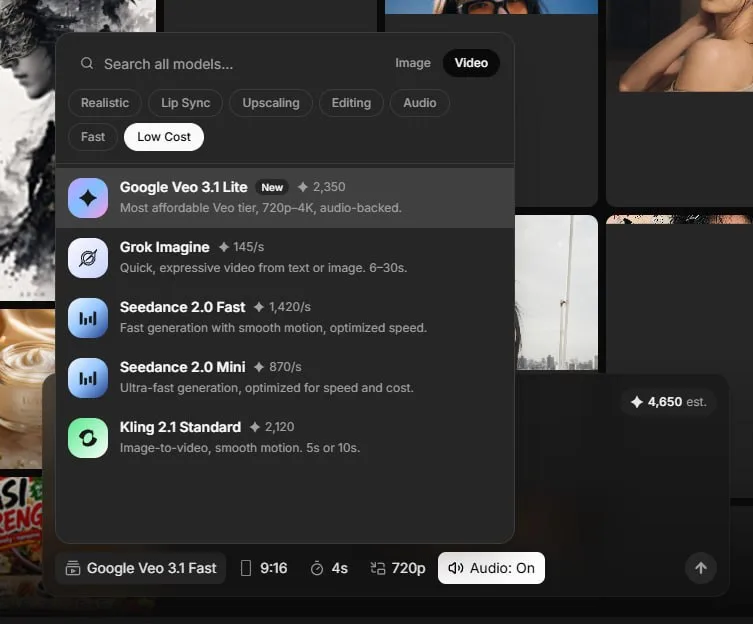 AIHow to Claim 10k Free AI Video Credits1mo84 views
 How to Get 18 Months of Gemini Plus Free2w86 views
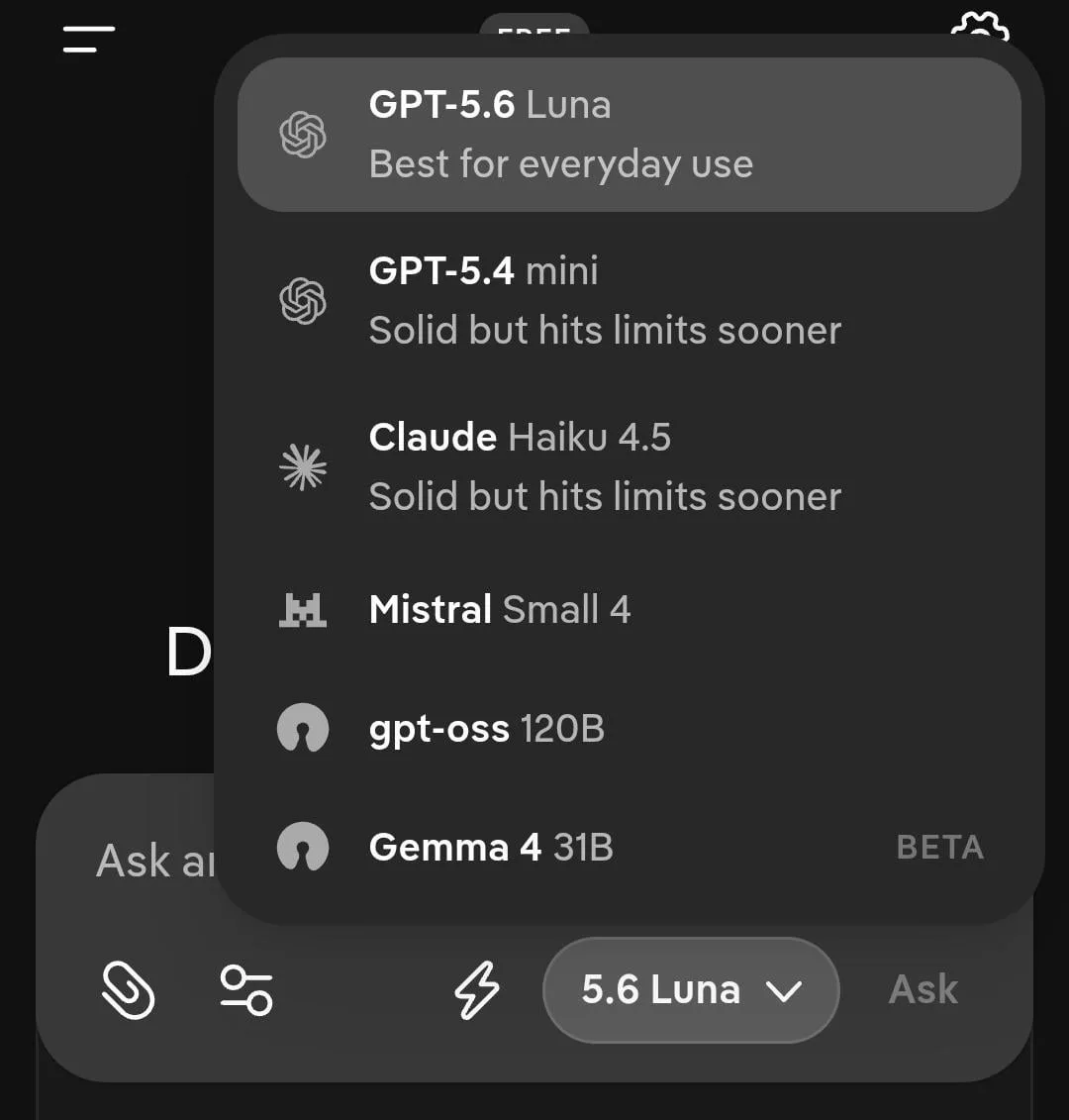 ToolsHow to Use GPT-5.6 and Claude for Free on Duck.ai1w63 views
Comments
Join the conversation — sign in to comment.
No comments yet — start the conversation!