Generate Viral DIY Video Ideas Using Two AI Tools
Learn how to use two AI tools to brainstorm and create viral DIY or satisfying hack-style videos for platforms like Instagram, TikTok, and YouTube Shorts.
Start by preparing ChatGPT and Google Flow (or a similar AI video generation tool). Open ChatGPT and enter this prompt: "Provide me 10 viral DIY / satisfying hack style objects ideas." ChatGPT will return a list of creative object concepts.
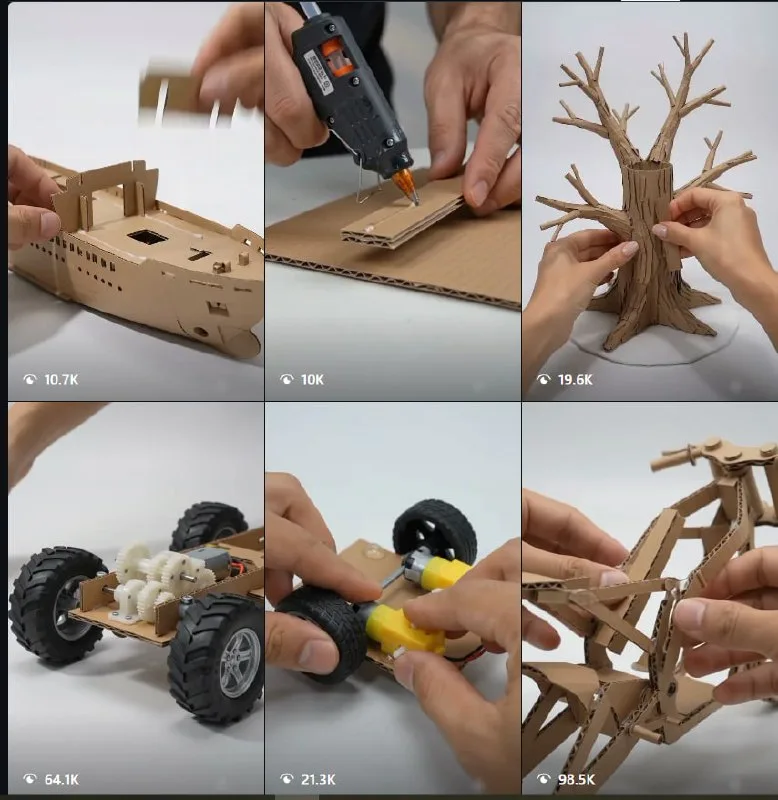
Next, take one idea from that list and use it as the [OBJECT] in your video prompt for Google Flow. For example, if the idea is a satisfying sand art, you would prompt: "Create a video showing a DIY satisfying hack for [sand art]." Google Flow will generate a short video based on that description.
After you download the AI-generated video, edit it to add your own touches. Do not upload the raw AI output. Add music, text overlays, or extra effects to make it more unique and valuable than other creators' videos. This editing step is key to standing out and getting millions of views.
Repeat this process for other ideas from the list. By combining AI brainstorming with AI video generation and personal editing, you can produce a steady stream of viral content.
Does this still work?
Nobody's checked yet
Sign in to tell everyone how it went.
Continue with GoogleBe the first — one tap saves the next person an hour.
It takes 3 reports in 30 days to set the status.
More shares you might like
 AIHow to Get Free $200 Funds on Digital Ocean1y804 views
 AIHow to Claim 100M Free Tokens on CodeCraft API4d324 views
 AIAMD's Token Factory Gives You $10 in Free API Credits Daily1mo441 views
 AIHow to Claim Free Claude AI Pro for K-12 Teachers1mo127 views
 ToolsHow to Get 1,000 Free AI Video Credits on Miora.design3w90 views
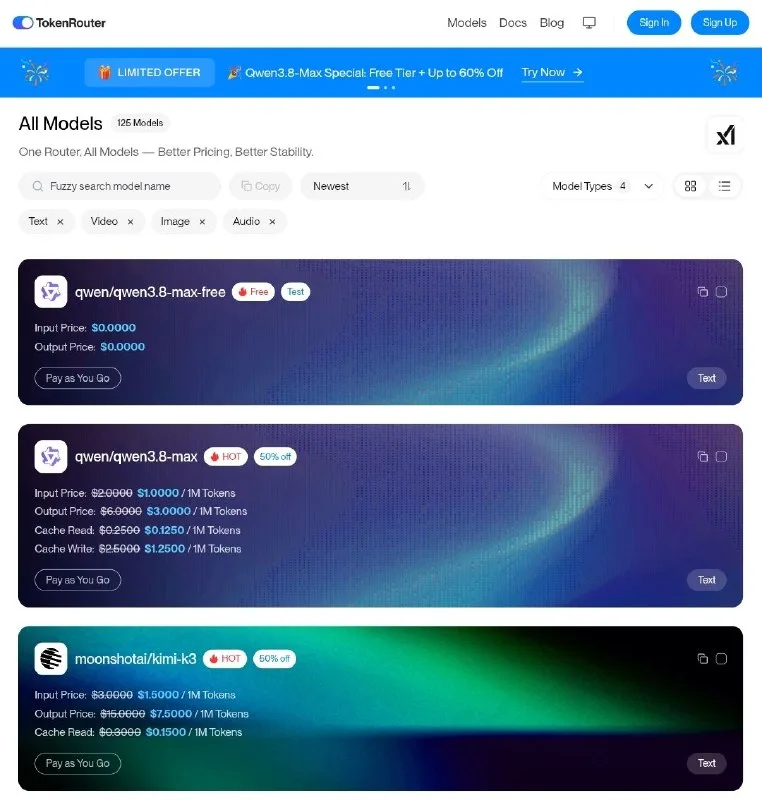 AIHow to Get Qween 3.8 max for Free2w66 views
Comments
Join the conversation — sign in to comment.
No comments yet — start the conversation!