How to Use MiMo V2.5 for Free on B.AI
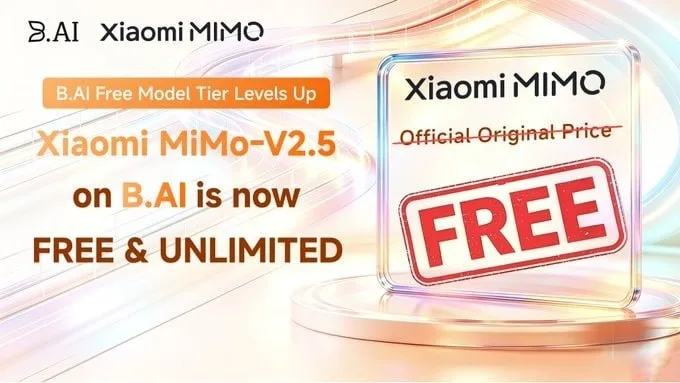
Looking for a free AI model that handles coding, agents, and a million-token context? Xiaomi's MiMo V2.5 is now free on B.AI.
The open-source model uses a 310B sparse MoE architecture and processes text, images, video, and audio. You can chat with it or call it through the API, both at no cost.
Tutorial
- Open B.AI. The web chat is right on the homepage.
- Pick MiMo V2.5 from the model list. It's listed alongside the other free models.
- Start chatting for free. No payment required.
- Open the API Dashboard at http://B.AI/. This is the route for developers.
- Choose Official then Full Access. That unlocks MiMo V2.5 for API calls.
- Select MiMo V2.5 from the options. This is the model you'll use.
- Start using it for free. The API calls carry no cost.
Wrapping Up
You now have free access to MiMo V2.5 on both web and API. B.AI also offers DeepSeek V4 Flash, Hy3, and DeepSeek V4 Flash Vision Exp free. Give it a try with a coding task or a long document.
Does this still work?
Nobody's checked yet
Sign in to tell everyone how it went.
Continue with GoogleBe the first — one tap saves the next person an hour.
It takes 3 reports in 30 days to set the status.
More shares you might like
 AIHow to Get Free $200 Funds on Digital Ocean1y800 views
 AIHow to Claim 100M Free Tokens on CodeCraft API3d247 views
 How to Get 6 Months of Seed4.Me VPN for Free6d66 views
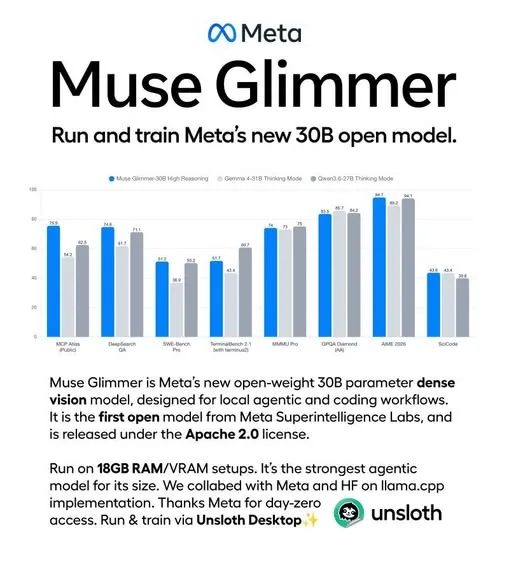 AIMeta Releases Muse Glimmer 30B Open Model1mo80 views
 AIHow to Get 5M Free Tokens on AnyModel4d45 views
 NewsVideo2X Brings AI-Powered 4K Video Upscaling to Your Local Machine2w58 views
Comments
Join the conversation — sign in to comment.
No comments yet — start the conversation!