
How to Break a PRD Into Tickets for AI Agents
Ever handed an AI coding agent a 10-page PRD and watched it hallucinate dependencies or overwrite working files? The fix is to stop feeding it the whole spec at once.
The problem is context degradation. When the agent gets an entire project spec, it loses precision, over-engineers, and burns its token budget before the first task is done. Breaking the PRD into single-task tickets keeps the context clean and the work verifiable.

Tutorial
- Break the PRD into atomic tickets. Give each ticket one isolated task, like Ticket 01: Auth schema migration, Ticket 02: Login endpoint, Ticket 03: UI Form.
- Give each ticket a fresh context window. Include only the relevant files and the specific acceptance criteria for that ticket.
- Run tests and linters after each ticket. Let the agent verify that milestone before you feed it the next ticket.
Wrapping Up
This is Matt Pocock's to-tickets pattern: separate planning from execution, and let the agent focus on one thing at a time. Try it the next time a PRD lands on your desk.
Does this still work?
Nobody's checked yet
Sign in to tell everyone how it went.
Continue with GoogleBe the first — one tap saves the next person an hour.
It takes 3 reports in 30 days to set the status.
More shares you might like
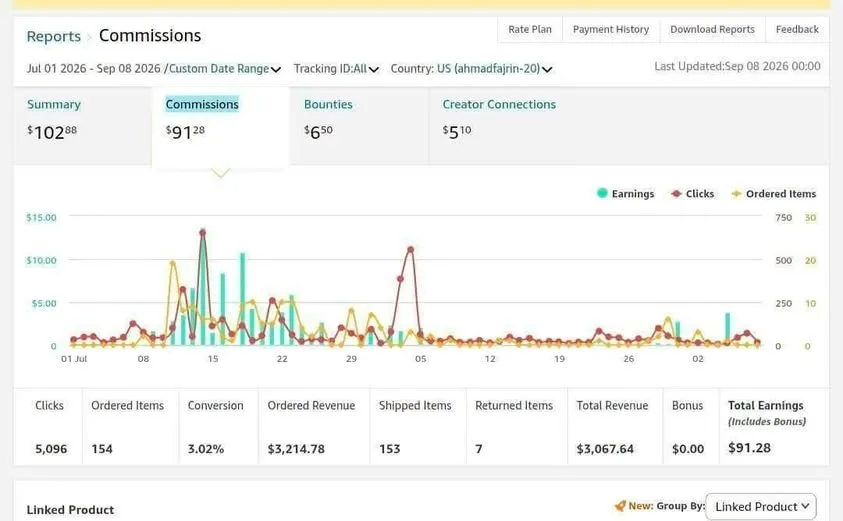 ToolsHow to Start Amazon Affiliate Marketing From Zero18h16 viewsToolsHow to Sanction-Proof Your Cloud and Chip Dependencies18h17 views
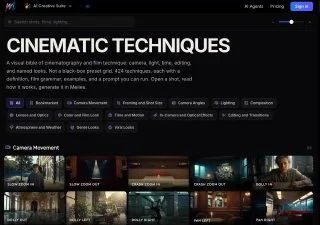 ToolsHow to Get 424 Cinematic Techniques for AI Video18h22 viewsToolsHow to Get FluentVoice Pro Free for Windows 11/101d20 views
Comments
Join the conversation — sign in to comment.
No comments yet — start the conversation!