How to Set Up Claude Projects With JB Instructions
Want to set up a Claude Project with custom instructions? It takes about a minute and a few clicks. Here's the whole flow.
You'll get a project that follows your JB prompt whenever you use it. Claude Sonnet is the recommended model for the best experience.
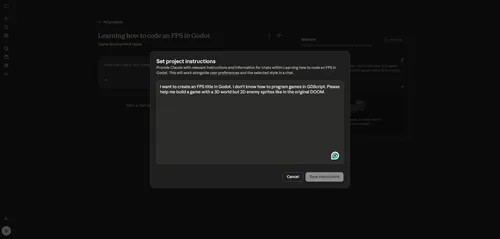
Tutorial
- Open https://claude.ai/projects.
- Click New Project.
- Give the project a name.
- Enter the prompt in Describe Your Project.
- Click Create Project.
- Click + on the Instructions field.
- Add the JB prompt.
- Click Save Instructions.
Wrapping Up
That's it. Your Claude Project is ready with the JB instructions saved. Pick Claude Sonnet when you start working for the best results.
Does this still work?
Nobody's checked yet
Sign in to tell everyone how it went.
Continue with GoogleBe the first — one tap saves the next person an hour.
It takes 3 reports in 30 days to set the status.
More shares you might like
 AIHow to Get Free $200 Funds on Digital Ocean1y851 views
 NewsCall.md Records, Transcribes, and Summarizes Meetings Locally2d35 views
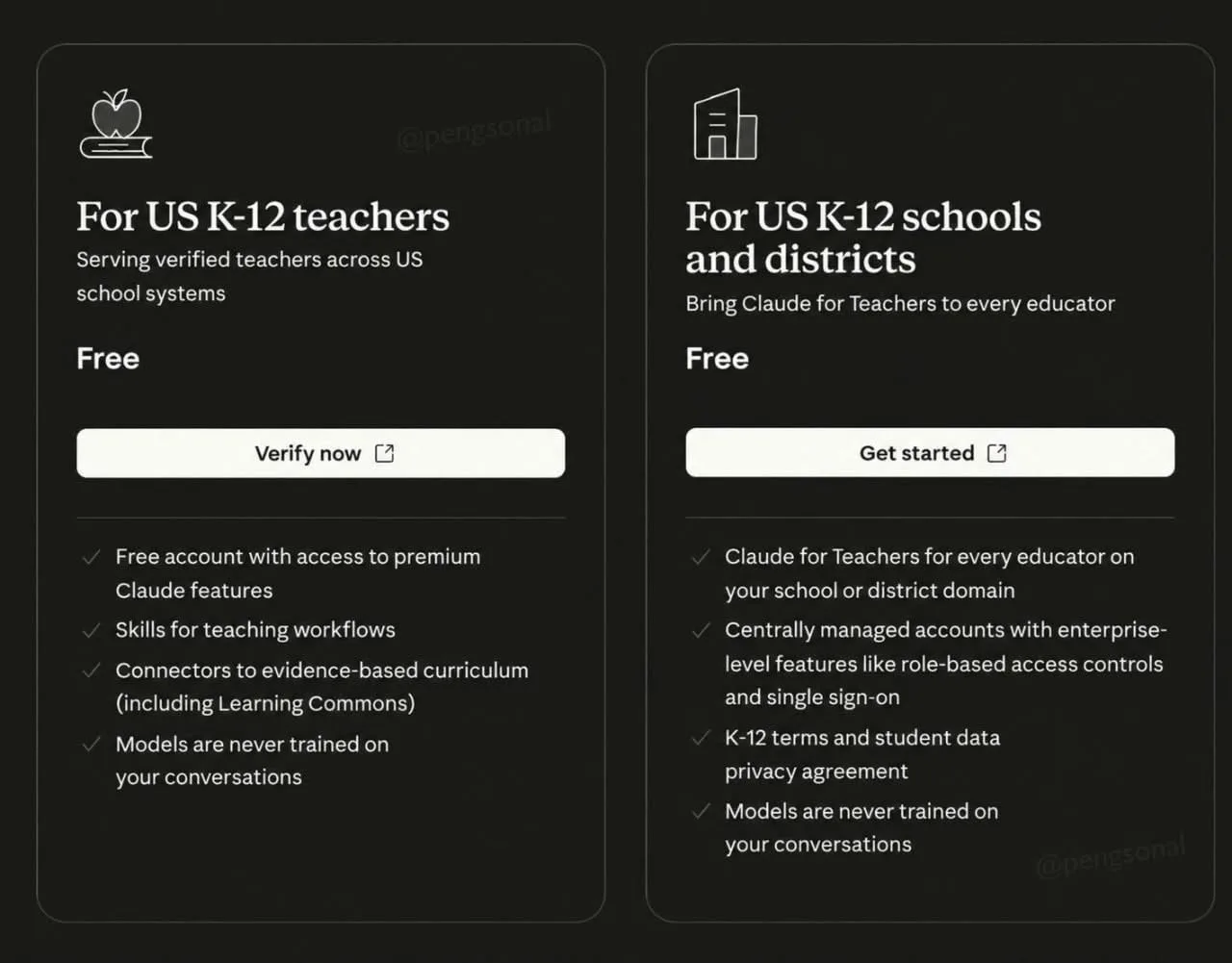 AIHow to Claim a Free Year of Claude for Teachers1w77 views
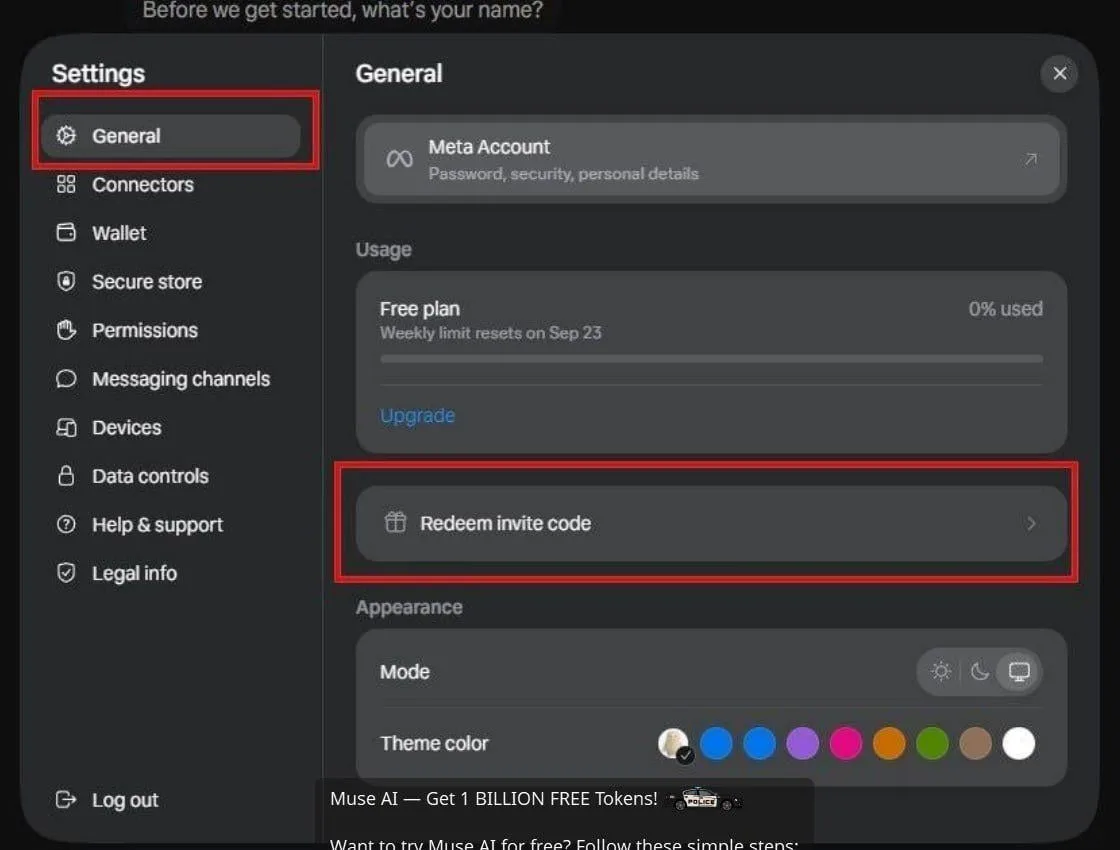 AIHow to Claim 1 Billion Free Tokens on Muse AI1w98 views
 AIHow to Claim 100M Free Tokens on CodeCraft API2w1,216 views
 ToolsHow to Receive Amazon Associates Payments via Payoneer1mo121 views
Comments
Join the conversation — sign in to comment.
No comments yet — start the conversation!